Live Studio Editing
Adjust gradients, padding, zoom, and safe-zone spacing with instant visual feedback while you work.
AppIcon
Maps
Photos
Notes
Store
Files
Music
Build the package and download the zip file for Android and iOS.
Android and iOS required outputs.
Upload your image, then generate the Android and iOS export package.
Preparing icons, packaging files, and getting your download ready.
Upload an image to enable export, then click "Generate Export Plan".
Upload your image, customize the style, preview on real devices, and export a complete icon package — all in one place.
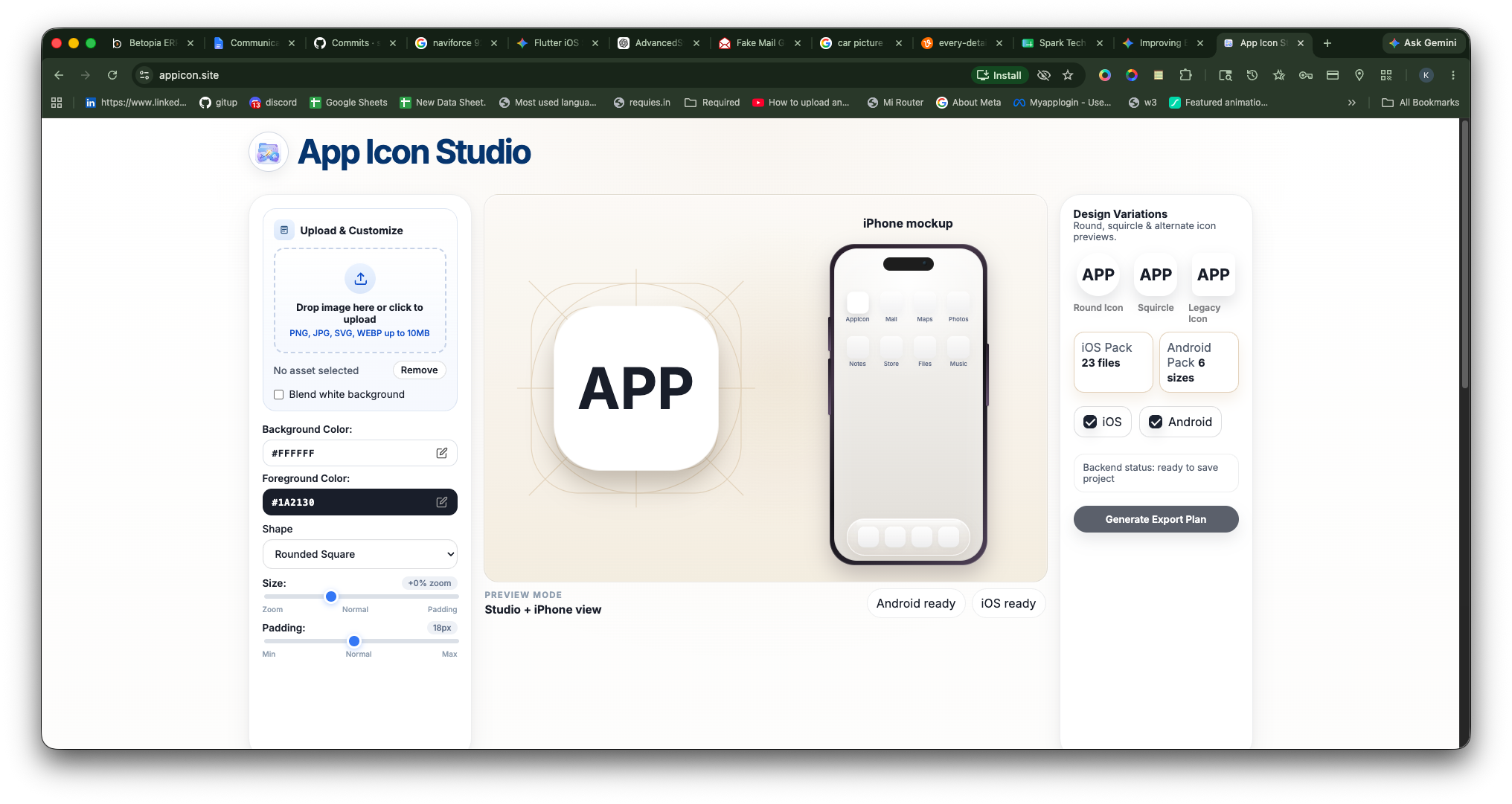
Live studio editor
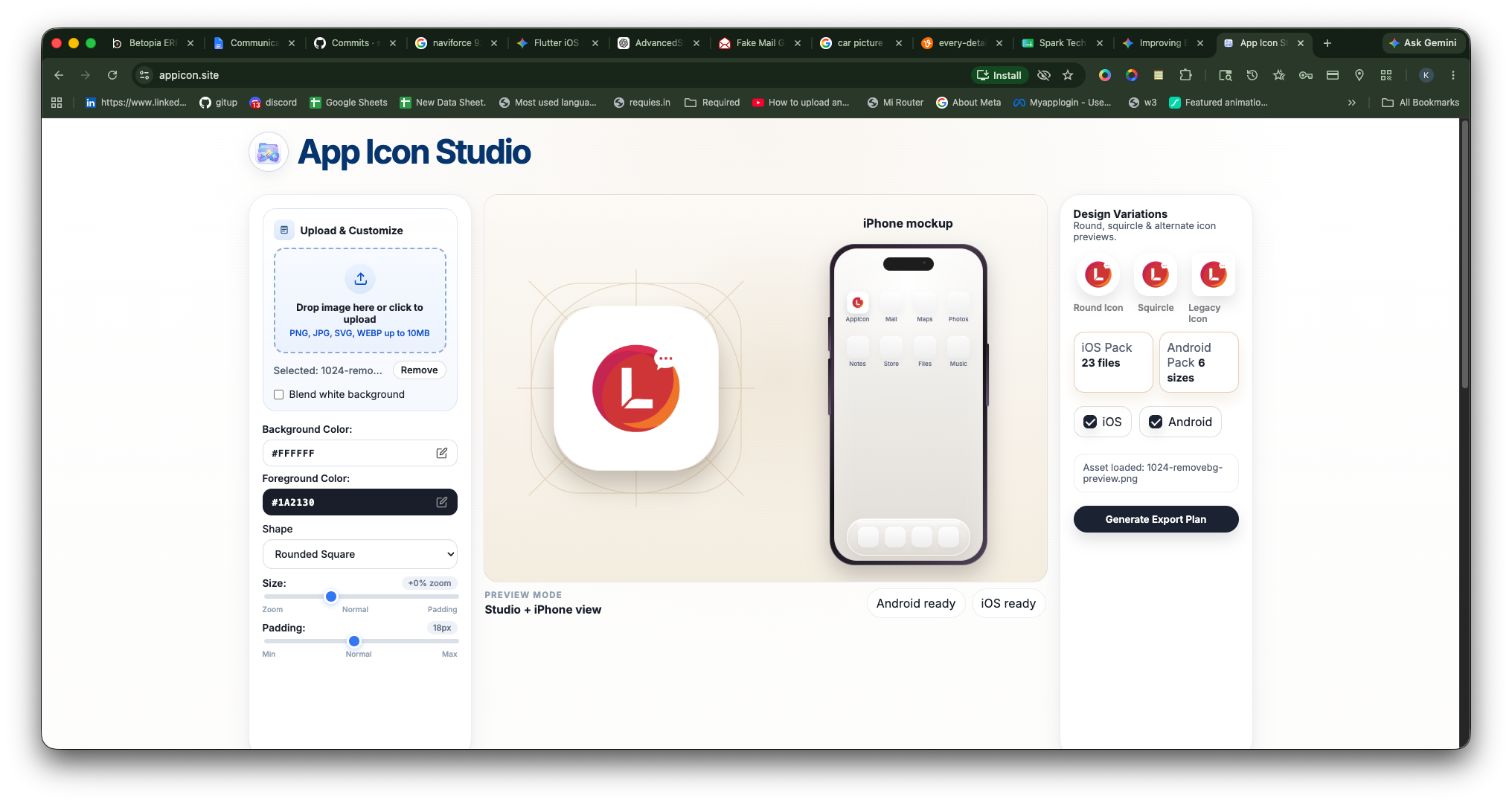
iPhone mockup preview
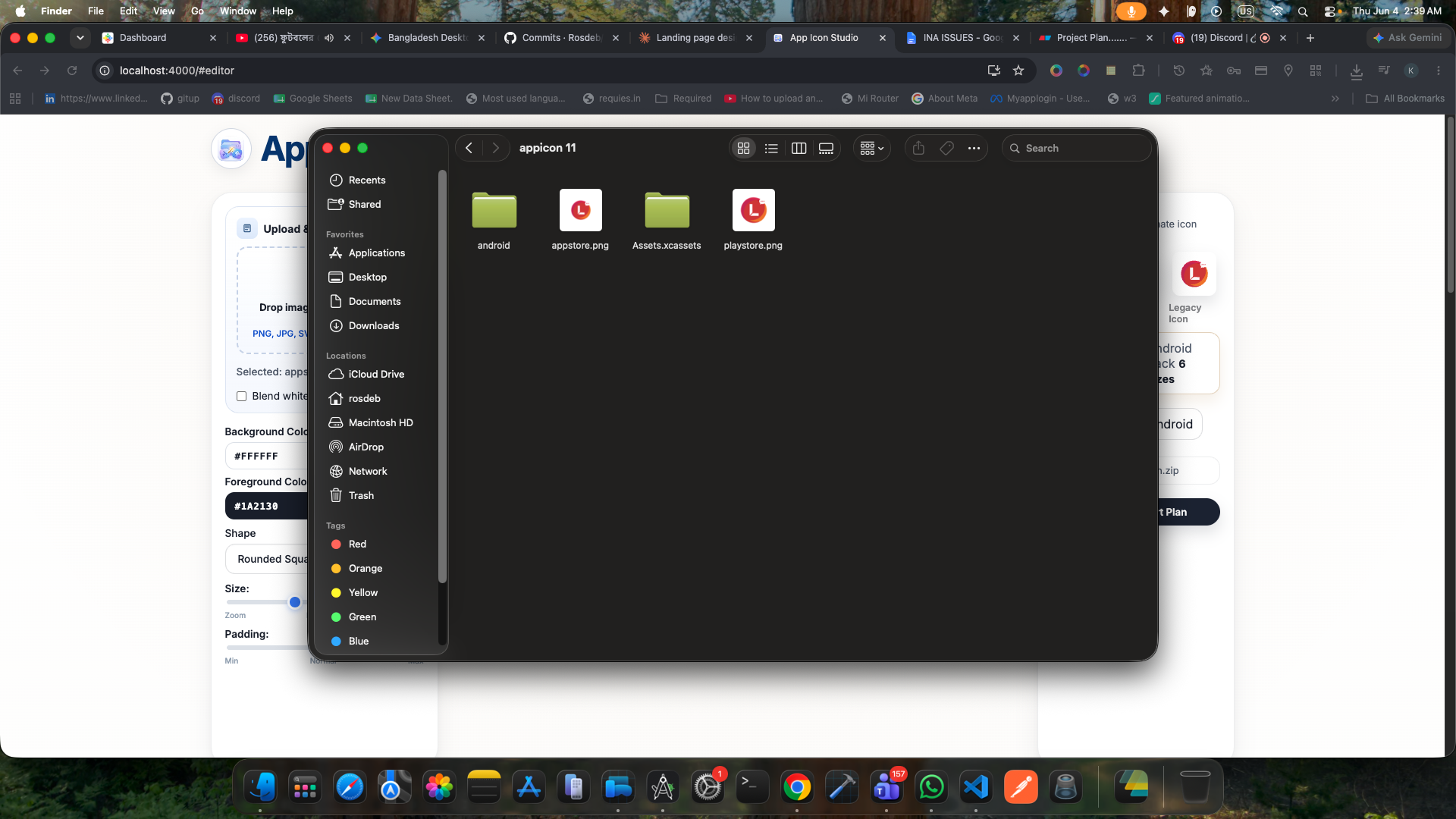
iPhone mockup preview
Three simple tools to move from upload to export-ready app icons faster.
Adjust gradients, padding, zoom, and safe-zone spacing with instant visual feedback while you work.
Instantly see how your icon looks on iOS, Android, and in the app store context before exporting.
A structured ZIP containing all required icon sizes, neatly organized for direct project import.
Helpful references for sizing, designing, and exporting app icons.
Every Apple icon size for home screen, App Store, Spotlight, and Settings.
AndroidDesign launcher icons that work across Android masks and density buckets.
DesignSimple principles for making icons more recognizable and tap-worthy.